
Integrations
Restaurant Integrations
Marketplace, payment and POS systems in one panel.
Bring the ordering platforms, online payment providers and POS systems you already use together with FoodEmp. Manage orders from marketplaces such as Yemeksepeti, Trendyol Yemek, Getir Yemek and Migros Yemek in one panel. Take orders from your own online ordering page, accept online payments with virtual POS integrations, and run sales with the systems your business already relies on.
FoodEmp brings different sales and operations systems together on a shared management platform.
Marketplace integrations
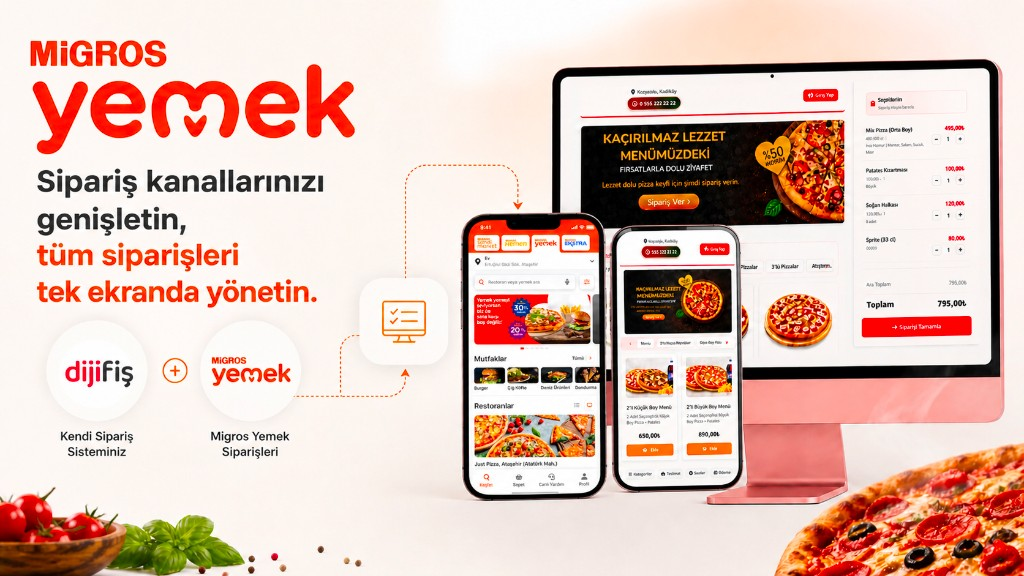
Manage orders from food delivery platforms in one panel.
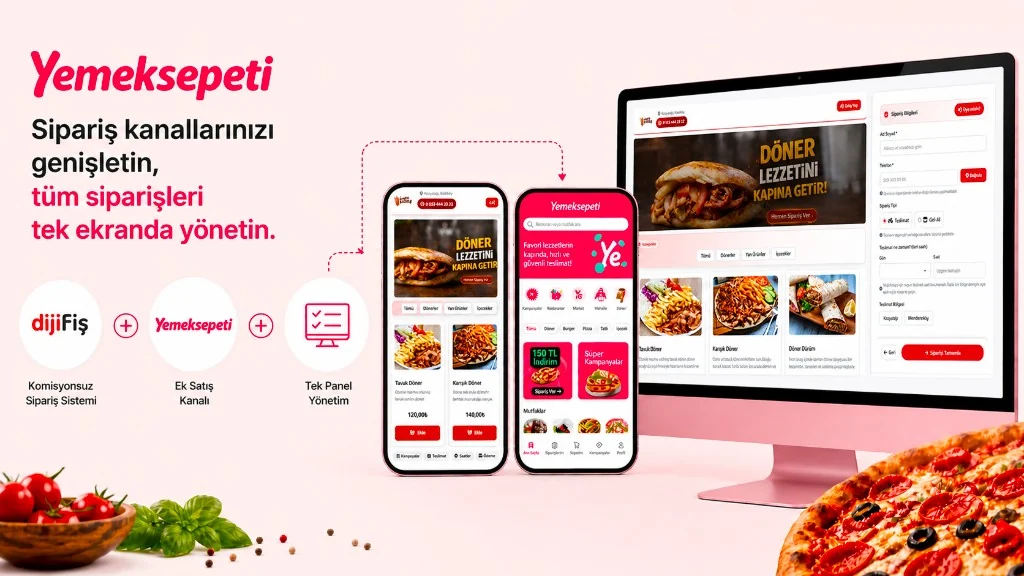
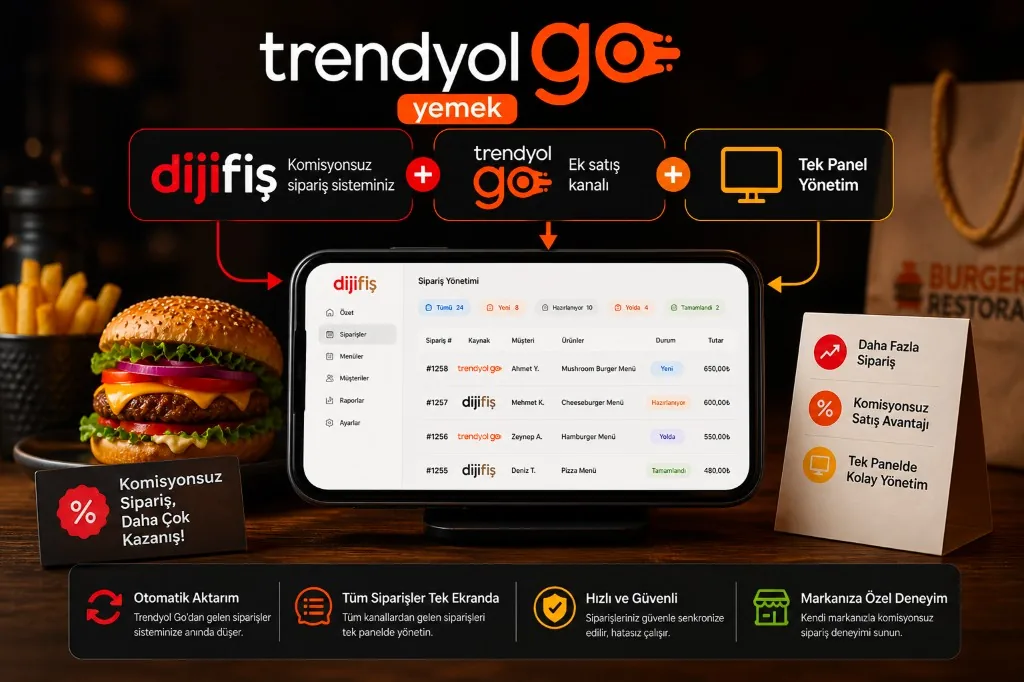
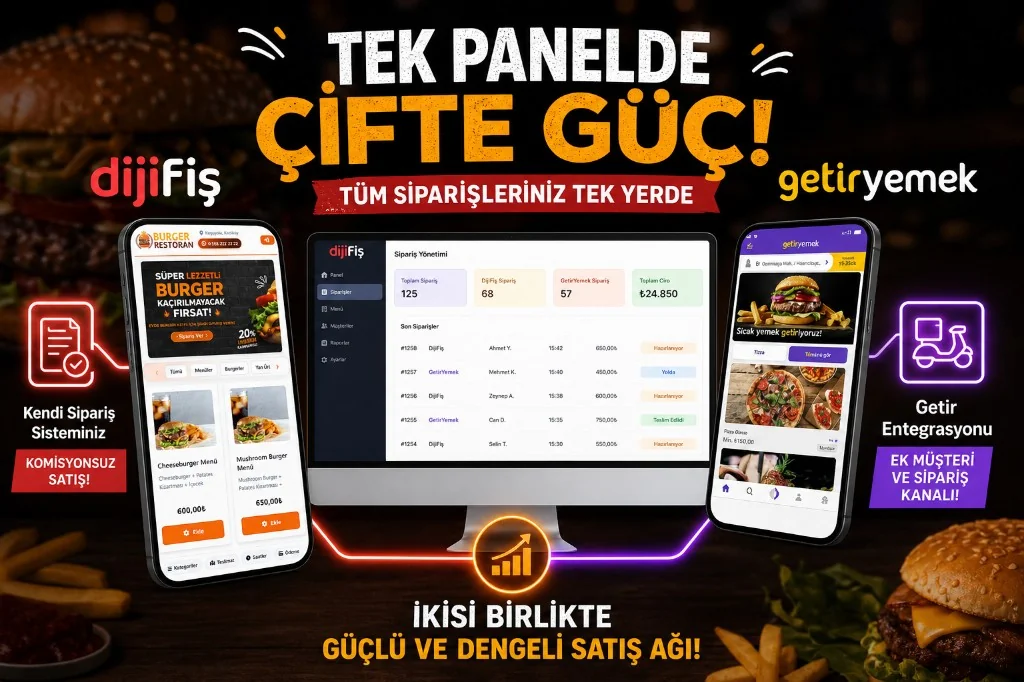
Connect Yemeksepeti, Trendyol Yemek, Getir Yemek and Migros Yemek orders to your FoodEmp panel. Track marketplace orders together with orders from your own online channel in one place.
Marketplace integrations reduce the need to follow each delivery app separately.
- View orders from different marketplaces in one panel.
- Track orders from a shared operations screen.
- Use your own online ordering channel alongside other sales channels.
- Manage products and menus where the integration supports it.
Supported marketplace integrations:

Features and availability depend on each platform’s technical connection options.
Integrations
Supported integrations
Connect with the leading platforms in your country. Unite marketplaces, payments, POS, shipping and SMS providers in one panel.
-
1
Take orders directly from your customers through your own online ordering site.
-
2
Also include orders from supported marketplaces such as Yemeksepeti, Trendyol Yemek, Getir Yemek, and Migros Yemek in the same system.
-
3
View and track orders from different channels in one panel.
- Online ordering site under your own brand
- Work alongside marketplace orders
- Track orders from different channels in one panel
- No marketplace commission on orders from your own channel
-

Getir Yemek Integration
Track Getir Yemek orders together with your own online ordering channel from the FoodEmp panel.
-

Migros Yemek Integration
View and manage Migros Yemek orders together with your other online ordering channels in one panel.
-

Trendyol Yemek Integration
Send Trendyol Yemek orders into your FoodEmp panel and track them together with orders from your own online ordering site.
-

Yemeksepeti Integration
Track Yemeksepeti orders together with orders from your own online ordering site in the FoodEmp panel.
Online payments and virtual POS integrations
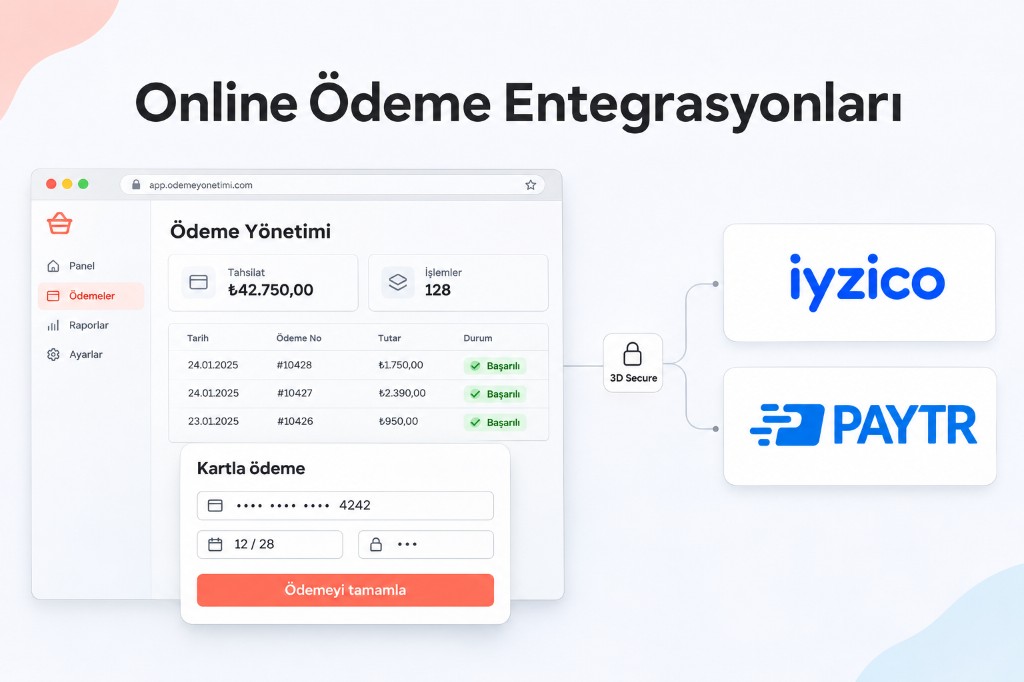
Accept card payments on your online orders.
Offer card checkout on your own online ordering page. Bring order and collection flows together with virtual POS and online payment integrations.
Customers can complete order payments online with credit or debit cards through supported payment providers.
- Online credit and debit card payments
- Virtual POS integration
- 3D Secure on supported payment stacks
- Order and payment status tracking
- Online collection workflow management
Payment integrations:


Provider features depend on merchant account, activation and technical connection requirements.
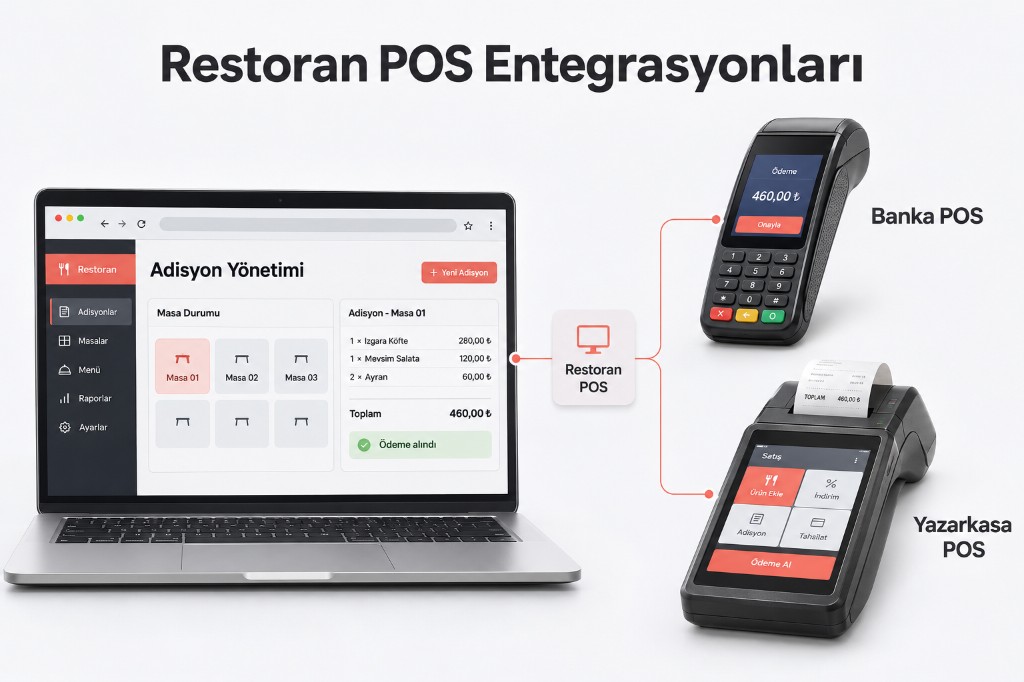
Restaurant POS and fiscal POS integrations
Use counter, ticket and payment systems together.
Restaurant POS integration helps your order and sales flows work with the POS devices you already use. FoodEmp evaluates connections to restaurant POS software, bank POS terminals and fiscal POS systems based on supported devices and connection methods.
Configure the hardware and software your business uses so they can work together.
- Restaurant POS software integration
- Fiscal POS integration
- Bank POS terminal connections
- Counter and ticket system integrations
- Connecting order and payment flows
POS integrations · Hugin · Adisyo POS · Fiscal POS
Integration options depend on the POS brand, model and technical specs.
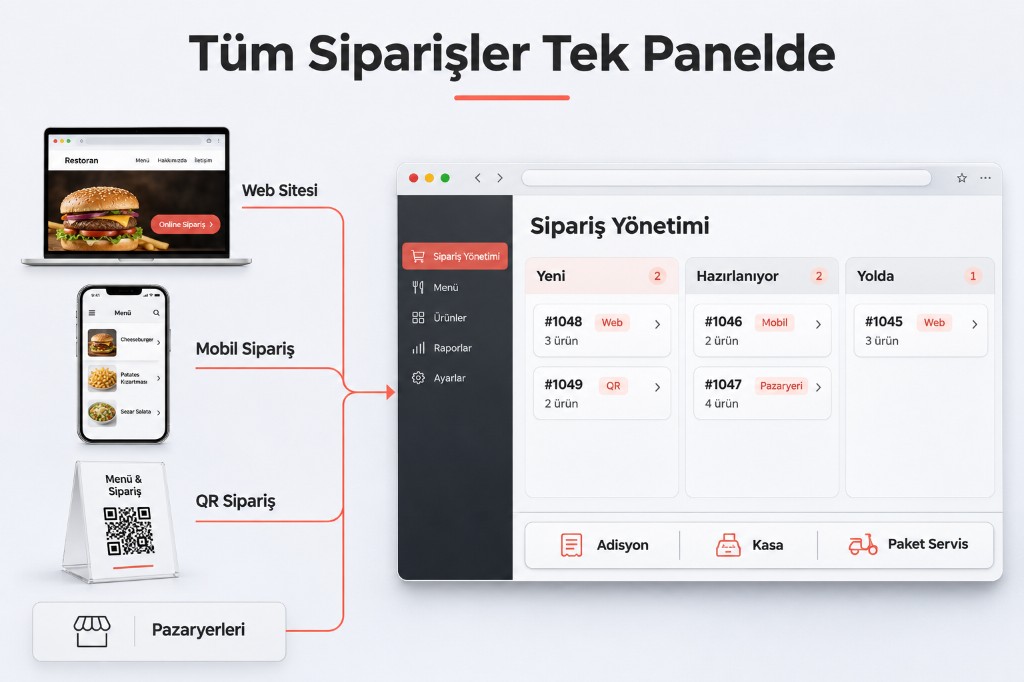
Online ordering and restaurant automation integrations
Unite different order channels on one operations stack.
Track orders from your own website, mobile-friendly ordering page and marketplace channels in the same management system.
With FoodEmp online ordering and restaurant automation, manage delivery, counter and order flows together.
- Business-branded online ordering system
- Ordering via website
- Mobile-friendly ordering page
- QR menu and QR ordering
- Delivery order management
- Order management linked to ticket and counter systems
Online ordering system · Restaurant website · QR ordering · Delivery ordering
Run your branded ordering page on your own domain together with your other order channels.
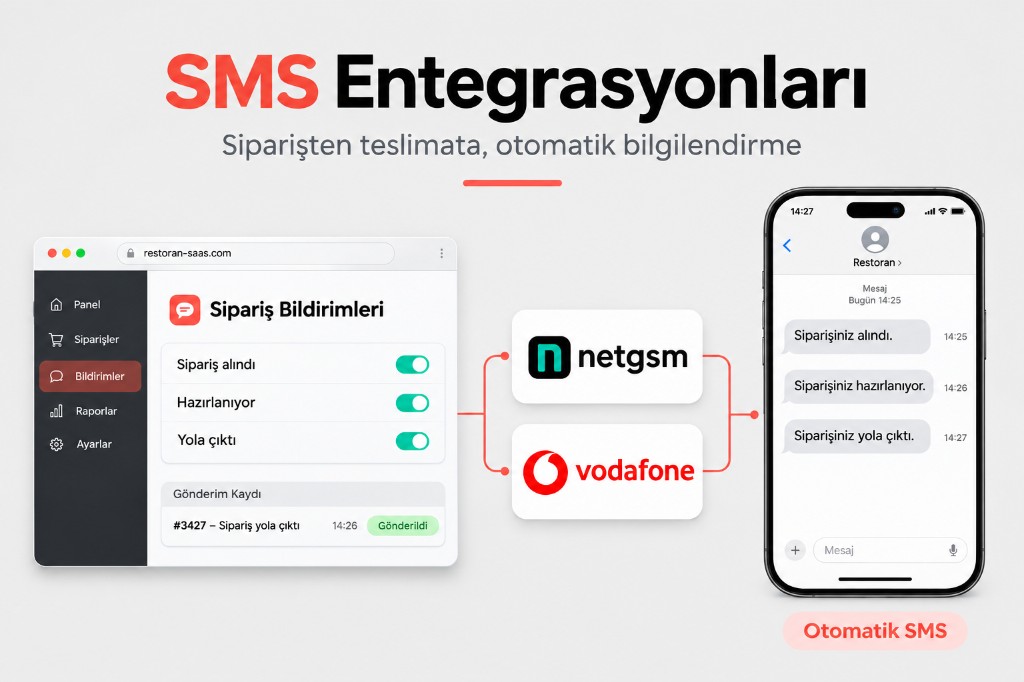
SMS integrations
Send order and customer updates by SMS.
Notify customers by SMS during the order journey. With SMS integrations you can send automatic messages when an order is received, confirmed or changes status.
Connecting SMS providers to FoodEmp makes customer messaging part of your order management flow.
- Order received and order confirmed SMS alerts
- Order status and prep updates
- Delivery and takeaway notifications
- Automatic SMS to customers
- Connections to supported SMS providers


Messaging features depend on the SMS provider and integration scope.
Accounting software integrations
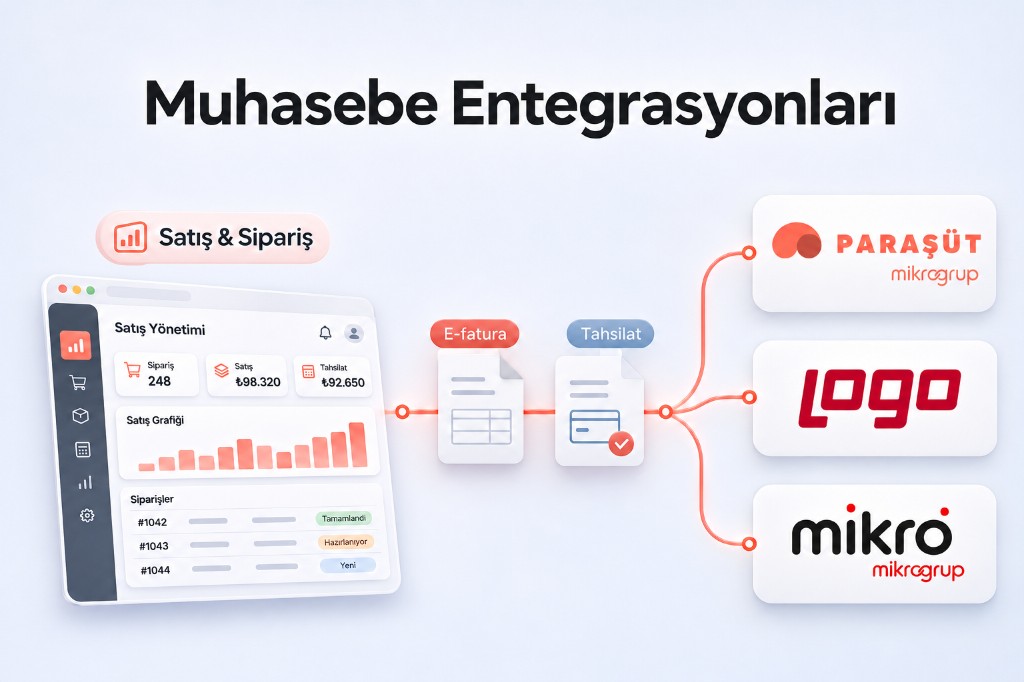
Connect sales and order data with your accounting workflows.
Use integration options to manage sales, collections and order records alongside the accounting software you already use.
Accounting integrations can make it easier to move daily sales into accounting processes — reducing duplicate data entry and helping you keep financial records more organised.
- Transfer of sales and order data
- Tracking collections and payment records
- Data sharing with accounting software
- Connection options for e-invoice and e-archive flows
- Integrations suited to the accounting software you use
Accounting integration options:



Which data can be transferred depends on the software version, API support and technical connection. E-invoice and e-archive rules follow the relevant software and service provider.
How FoodEmp integrations work
Tell us which systems you need — we’ll configure the connections together.
-
Define your needs
List the food delivery platforms, payment providers, POS devices, SMS services and accounting tools you use.
-
Review integration options
We’ll review the systems that fit and the technical connection options available.
-
Complete setup and connections
We’ll configure the required accounts, devices and technical settings.
-
Start using the systems together
Use connected system features from the FoodEmp management panel.
The integrations your restaurant needs
Whether you run a single location, sell across multiple order channels, or operate a multi-branch chain.
Choose the marketplace, payment, POS, SMS and accounting integrations you need and add them to your FoodEmp stack. Keep using your existing systems while bringing online ordering, counter, payments and operations into one panel.
Learn the integration options for the systems your business already uses.
Frequently asked questions
Which integrations does FoodEmp support?
FoodEmp offers marketplace integrations such as Yemeksepeti, Trendyol Yemek, Getir Yemek and Migros Yemek; online payment stacks such as iyzico and PayTR; compatible POS and fiscal systems; SMS services; and accounting options such as Paraşüt, Logo and Mikro. Available connections depend on each system’s technical requirements and activation conditions.
Can I manage multiple food delivery platforms in one panel?
Yes. Connect supported marketplaces to the FoodEmp panel and track orders from different platforms in one place.
Can I use my own online ordering system together with marketplaces?
Yes. Take direct orders from your website while also tracking orders from platforms such as Yemeksepeti, Trendyol Yemek, Getir Yemek and Migros Yemek in the same panel.
Can a virtual POS be connected to the online ordering system?
Yes. Supported payment providers’ virtual POS integrations can add credit and debit card checkout to your ordering page. Merchant approval and activation rules still apply.
Can PayTR and iyzico be used?
PayTR and iyzico are among the online payment integration options. Use depends on the merchant account, approval and technical connection requirements with each provider.
Is fiscal POS integration possible?
Fiscal POS integration is evaluated by device brand, model and connection features. Share your device details to check technical compatibility.
Can restaurant POS software work with FoodEmp?
Connections to restaurant POS software and other operations systems are assessed for technical compatibility. Share the software and devices you use with our team.
Can SMS integrations send automatic messages to customers?
Supported SMS services can send updates when an order is received, confirmed or changes status. Scope and sending rules depend on the SMS provider.
Which accounting programs can FoodEmp integrate with?
Integration options with accounting tools such as Paraşüt, Logo and Mikro can be evaluated. Data transfer scope and available connections depend on software version and technical features.
Can sales and order records be transferred via accounting integrations?
On supported integrations, sales, order and collection data may be transferred to accounting software. Record types and automation depend on the technical connection.
Can I request a different integration?
Yes. If you use another ordering platform, payment provider, SMS service, accounting tool or device, send an integration request. We’ll review the technical requirements and share connection options.
Can I get support for integration setup?
Yes. Our team can help you define the systems you need, check technical compatibility and complete setup.